Introduction
A website is often the first place where people learn about a business, explore its services, or decide whether to become a customer. Creating a successful website involves more than choosing attractive colours and adding content. It requires proper planning, visual design, coding, testing, and ongoing maintenance.
Website Design and Development is the process of creating websites that are visually appealing, easy to use, responsive, and functional. It combines website design principles with frontend and backend technologies to deliver a complete online experience. Whether you want to build a business website, personal portfolio, blog, or e-commerce store, understanding these fundamentals can help you get started.
In this beginner-friendly guide, you will learn how websites are designed and developed, the technologies involved, the development process, and the skills required to build a career in this field.
1. What Is Website Design and Development?
Website design focuses on how a website looks and how users interact with it. It includes page layouts, colours, typography, images, navigation, and user experience. The main goal is to make information easy to understand and help visitors navigate the website.
Website development focuses on building the website’s functionality using programming languages and development technologies. It includes creating page structures, interactive features, server-side functions, and database connections.
Both areas work together to create a complete website. For example, a shopping website needs an attractive product page, but it also requires working search, shopping cart, payment, and order management features.
2. Why Is Website Development Important for Businesses?
A well-developed website helps businesses establish an online presence and communicate with potential customers. It also provides a platform to showcase products, explain services, and share important information.
- Online visibility: Customers can discover a business and its services through its website.
- Brand identity: A consistent design helps communicate the business’s personality and values.
- Customer engagement: Contact forms, enquiry options, and useful content help visitors interact with a business.
- Accessibility: A website allows customers to explore business information beyond regular working hours.
- Business growth: Websites can support enquiries, online sales, bookings, and other business activities.
3. Who Should Learn Website Development?
- College students: Students can develop practical technical skills alongside their academic education.
- Freshers: Beginners can learn the fundamentals required for entry-level web development roles.
- Career switchers: People from non-technical backgrounds can start learning programming step by step.
- Freelancers: Individuals can learn to create websites for clients and build a project portfolio.
- Business owners: Entrepreneurs can understand how websites are planned, created, and maintained.
4. Core Technologies Used in Website Design and Development
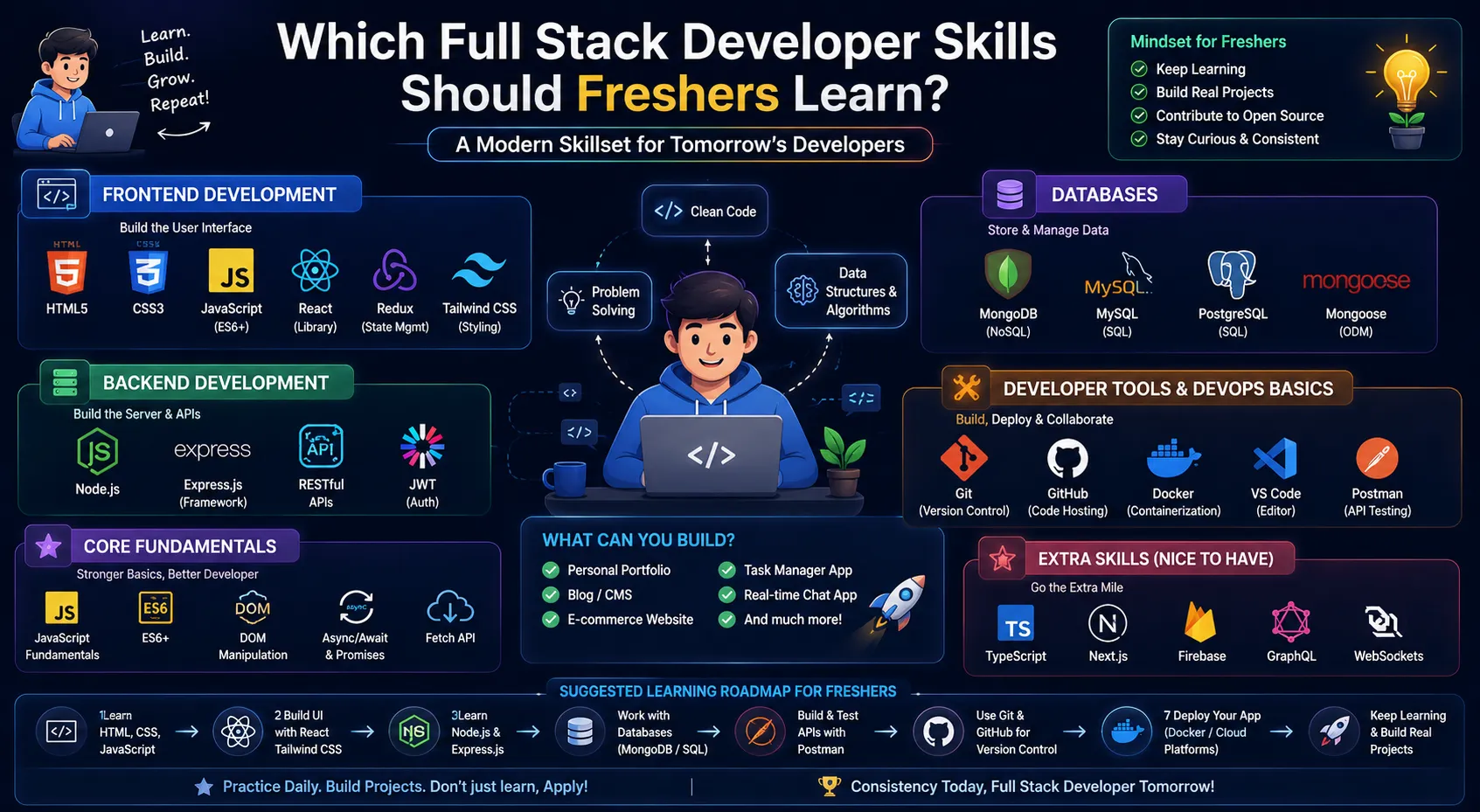
Understanding the main technologies is an important step towards becoming a web developer. Each technology has a specific role in creating a website.
HTML – Building the Structure
HTML (HyperText Markup Language) defines the structure of a webpage. It helps organise headings, paragraphs, images, links, tables, and forms.
For example, HTML determines where the main heading, navigation menu, and content sections appear on a webpage.
CSS – Styling the Website
CSS (Cascading Style Sheets) controls the visual appearance of a website. Developers use it to manage colours, fonts, spacing, layouts, backgrounds, and animations.
CSS also helps create responsive layouts that adjust to different screen sizes.
JavaScript – Adding Interactivity
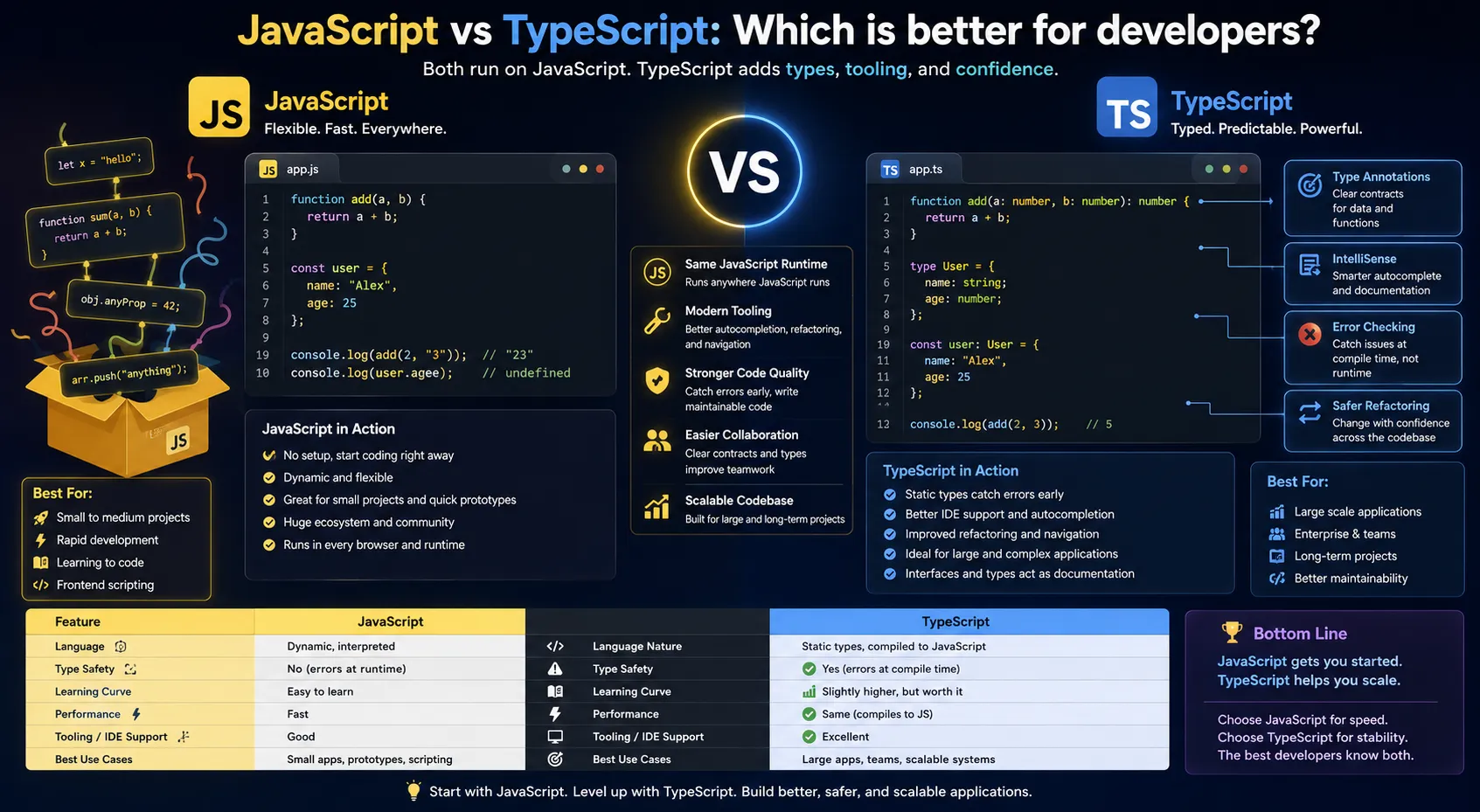
JavaScript makes websites interactive. It can be used for dropdown menus, form validation, sliders, dynamic content, and other user interactions.
It also supports the development of modern web applications.
React.js – Building Dynamic Interfaces
React.js is a JavaScript library used to build user interfaces using reusable components. Developers can use it to create interactive applications, manage interface updates, and organise complex frontend projects.
Backend Development and Databases
Backend development handles the server-side operations of a website. It manages application logic, user authentication, data processing, and communication with databases.
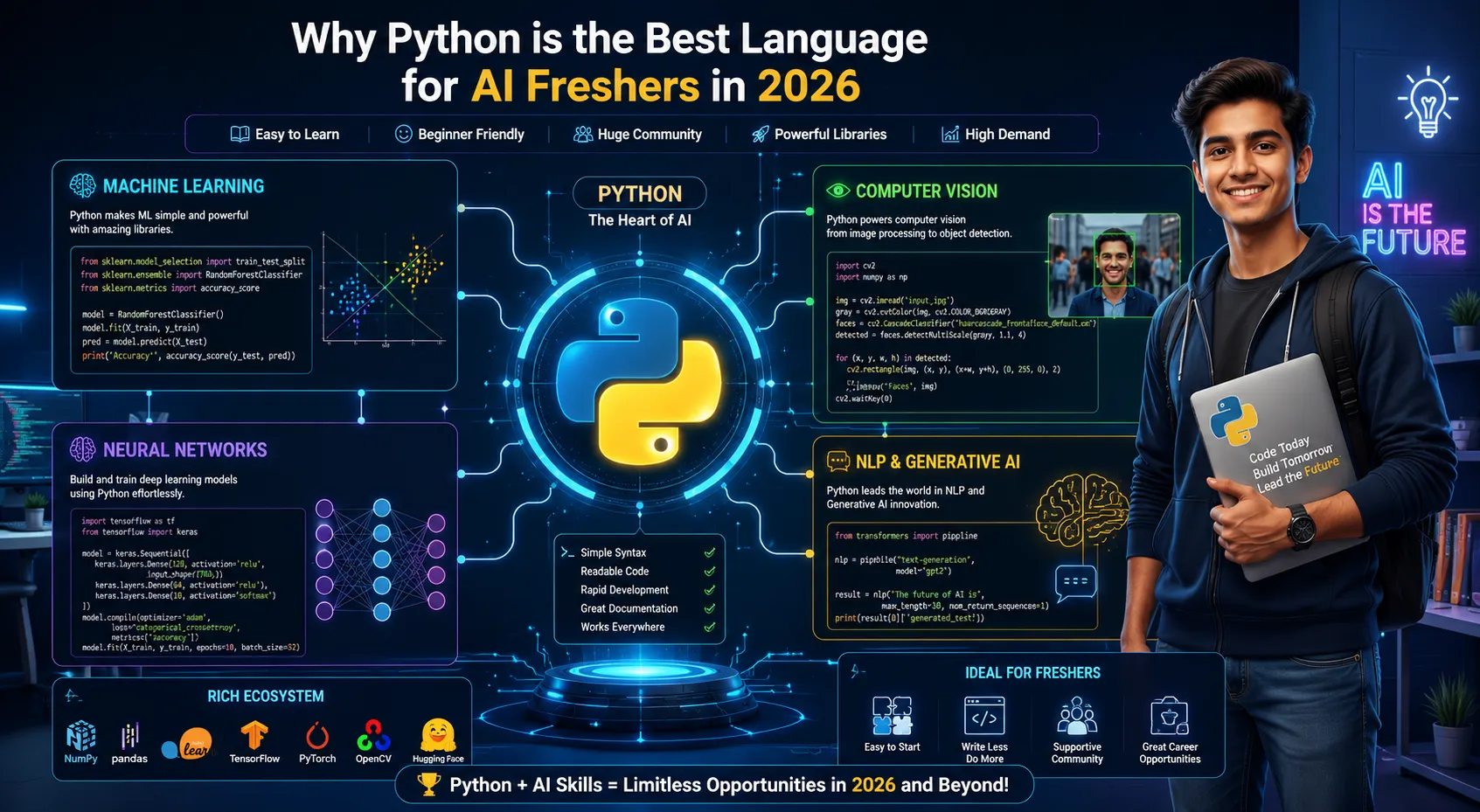
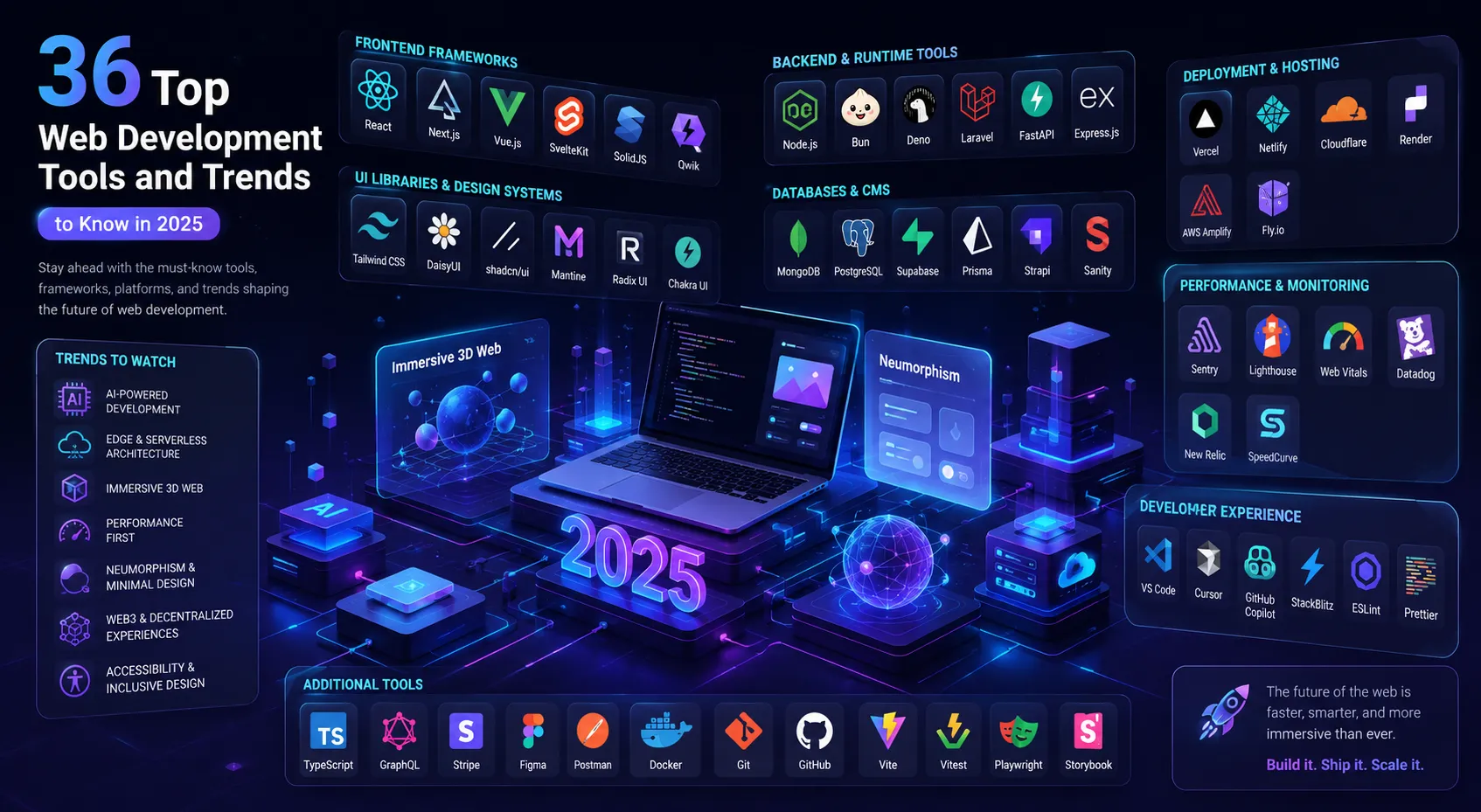
Technologies such as Node.js, Laravel, and Python can be used for backend development. Databases such as MySQL, PostgreSQL, and MongoDB help store and manage application data.
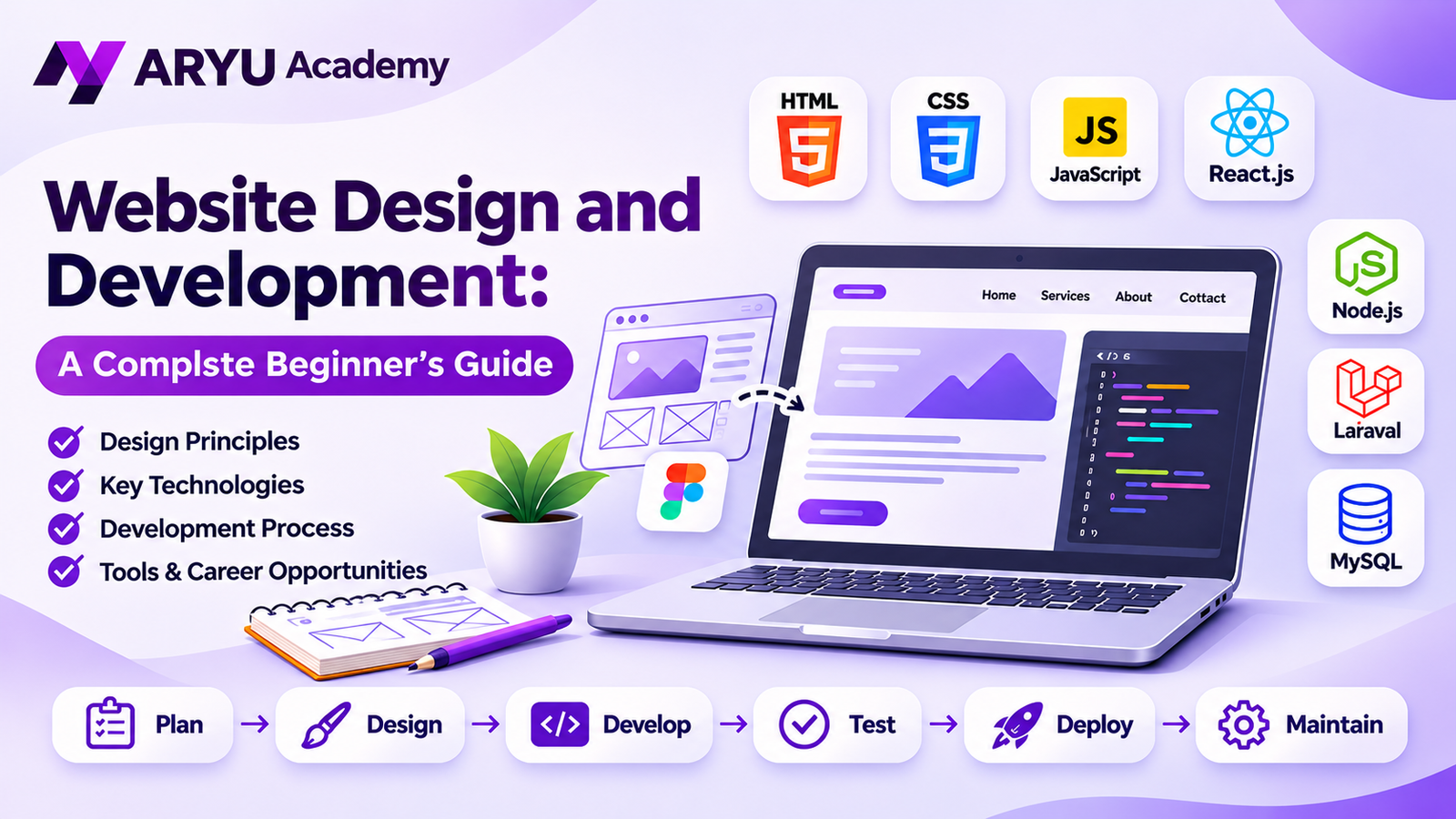
5. Important Steps in the Website Development Process
Creating a website involves several stages. Following a structured process helps developers organise their work and reduce errors.
Step 1: Planning and Research Start by understanding the purpose of the website, its target audience, and the features required. Prepare a list of pages, content requirements, and functional needs before beginning development.
Step 2: Designing the Layout Create a basic layout or wireframe to understand how each page will look. Plan the navigation, content sections, buttons, images, and overall user journey. Design tools such as Figma can help create wireframes and visual prototypes.
Step 3: Frontend Development Convert the approved design into working webpages using HTML, CSS, JavaScript, and suitable frameworks. Ensure that the layout works across desktop, tablet, and mobile devices.
Step 4: Backend Development Build the server-side functionality when the project requires features such as user accounts, form processing, product management, or database operations.
Step 5: Testing and DeploymentTest the website to identify broken links, layout issues, form errors, and performance problems. Once the website is ready, connect the domain and hosting environment and publish it online.
Step 6: Maintenance and UpdatesAfter launch, regularly update website content, check functionality, monitor performance, and apply necessary security updates. Maintenance helps keep the website useful and reliable.
6. Tools Every Beginner Should Know
Developers use different tools to design, write, test, and manage websites. Some commonly used tools include:
- Visual Studio Code: A code editor used to write and manage development files.
- Figma: A design tool used to create wireframes, layouts, and prototypes.
- Git: A version control system used to track code changes.
- GitHub: A platform for storing code repositories and collaborating with other developers.
- Chrome Developer Tools: Browser tools used to inspect webpages and debug issues.
- Postman: A tool used to test APIs and check how applications communicate with backend services.
Beginners can start with a code editor, a web browser, and basic design tools before exploring more advanced technologies.
7. Career Opportunities in Web Development
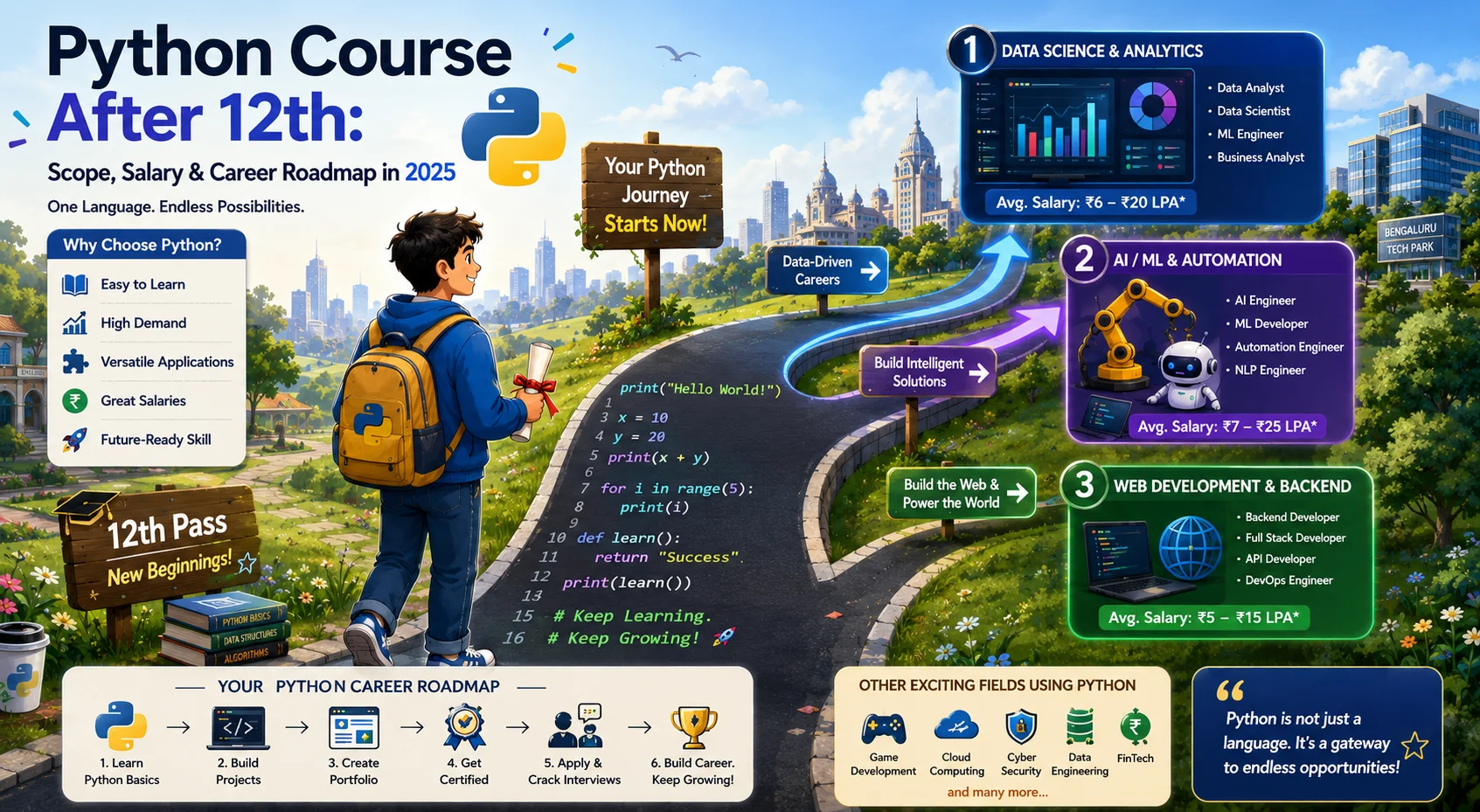
Learning web development can open different career paths depending on the technologies and skills you develop.
Some common job roles include:
- Frontend Developer: Builds the visual and interactive parts of websites.
- Backend Developer: Develops server-side logic, APIs, and database connections.
- Full Stack Developer: Works on both frontend and backend development.
- React.js Developer: Builds user interfaces and web applications using React.
- Web Developer: Creates, updates, and maintains websites.
- WordPress Developer: Builds and customises websites using WordPress themes, plugins, and other tools.
Building practical projects and maintaining a portfolio can help demonstrate your skills to potential employers and clients.
8. Learn Website Development at Aryu Academy
Understanding the concepts is a good starting point, but practical experience is important when learning to build real websites. Aryu Academy offers development courses designed to help learners understand technologies and apply their knowledge through projects.
If you want to focus on the visual and interactive parts of websites, explore Frontend Development . The course covers HTML, CSS, JavaScript, React.js, responsive design, API integration, Git, and deployment.
If you want to learn how to build complete web applications using modern frontend and backend technologies, explore the MERN Stack Development at Aryu Academy. The course covers MongoDB, Express.js, React.js, Node.js, API integration, database management, and application deployment.
Our students gain practical experience through hands-on activities and project-based learning, helping them apply their knowledge and build the skills needed to pursue their career goals.
Conclusion
Learning to create websites involves understanding design principles, programming languages, development tools, and the complete development process. Starting with HTML, CSS, and JavaScript can help beginners build a strong foundation before moving on to frameworks, backend technologies, and databases.
With regular practice and project experience, learners can develop the skills needed to create websites and explore different career opportunities. Choose a learning path that matches your goals, work on practical projects, and continue improving your technical knowledge.