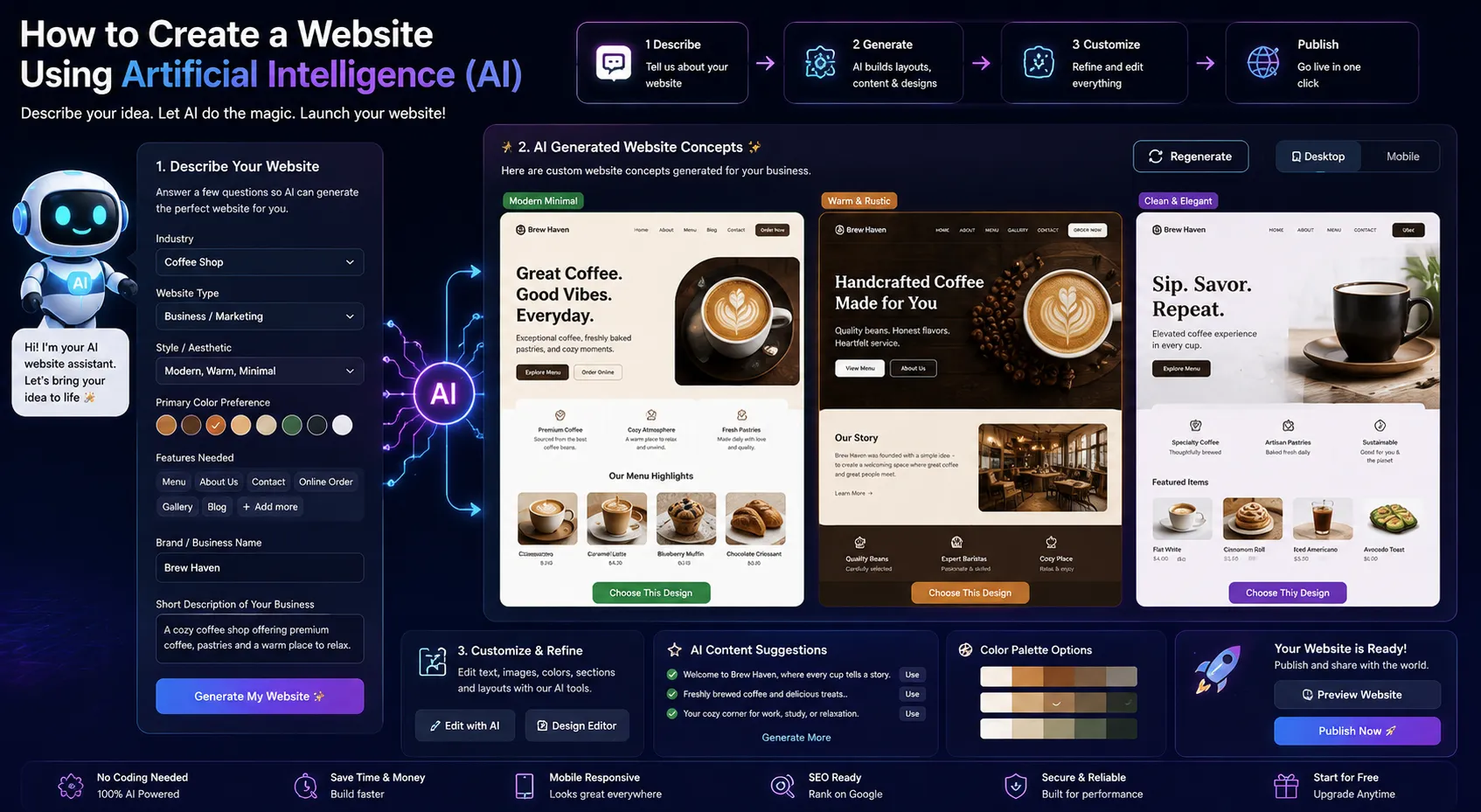
Creating a website no longer requires years of coding experience or complex software knowledge. With modern website-building platforms, anyone can create a professional-looking site by simply following a few guided steps. Whether you’re starting a business, launching a blog, or showcasing a portfolio, here’s a straightforward guide to help you create a website using artificial intelligence (AI) from scratch.
Step 1: Choose a Website Builder
To begin, pick a website-building platform that suits your needs. Many popular platforms offer pre-designed templates and guided creation tools to help you get started quickly. These platforms are ideal for beginners because they offer a combination of customization, visual editing, and hosting — all in one place.
Some builders are best for portfolios and blogs, while others focus on e-commerce features. Explore a few options, check user reviews, and decide based on your purpose, ease of use, and design flexibility.
Step 2: Define Your Website Goals
Before diving into the design process, take a moment to clarify your website’s purpose. What is the goal of your site? Is it to sell products, generate leads, build a community, or share personal content?
Defining your audience is just as important. Knowing who you’re speaking to helps in choosing the right tone, layout, and content. Also, think about the key pages your site should have — such as Home, About, Services or Products, Blog, and Contact.
Step 3: Provide Your Website Information
Once you begin setting up your site, the platform will typically ask for some basic details:
- Business or brand name
- Industry or niche
- Preferred color schemes and styles
- Type of content or sections you want (e.g., contact form, gallery, testimonials)
This information will help shape the initial structure of your site, making the process smoother.
Step 4: Customize the Design
Once the base layout is ready, it’s time to personalize your site:
- Edit Text: Update titles, taglines, and descriptions to reflect your business or message. Make sure the tone is consistent and clear.
- Change Colors and Fonts: Match your brand by selecting colors and fonts that represent your identity.
- Add Images: Replace placeholder images with your own photos or choose from built-in image libraries.
- Rearrange Sections: Most platforms offer drag-and-drop features, so you can easily move sections around, add new blocks, or remove unnecessary ones.
Focus on clarity, balance, and simplicity. Avoid cluttering your site with too many elements. Instead, lead visitors smoothly from one section to the next.
Step 5: Add Helpful Features
Enhance your website with useful tools and features that improve user experience:
- Contact Forms: Let visitors reach you easily.
- Testimonials or Reviews: Build trust with feedback from past clients or customers.
- Newsletter Signup: Collect emails to keep your audience updated.
- Navigation Menu: Make sure your site is easy to explore across devices.
These elements help your site feel complete and functional.
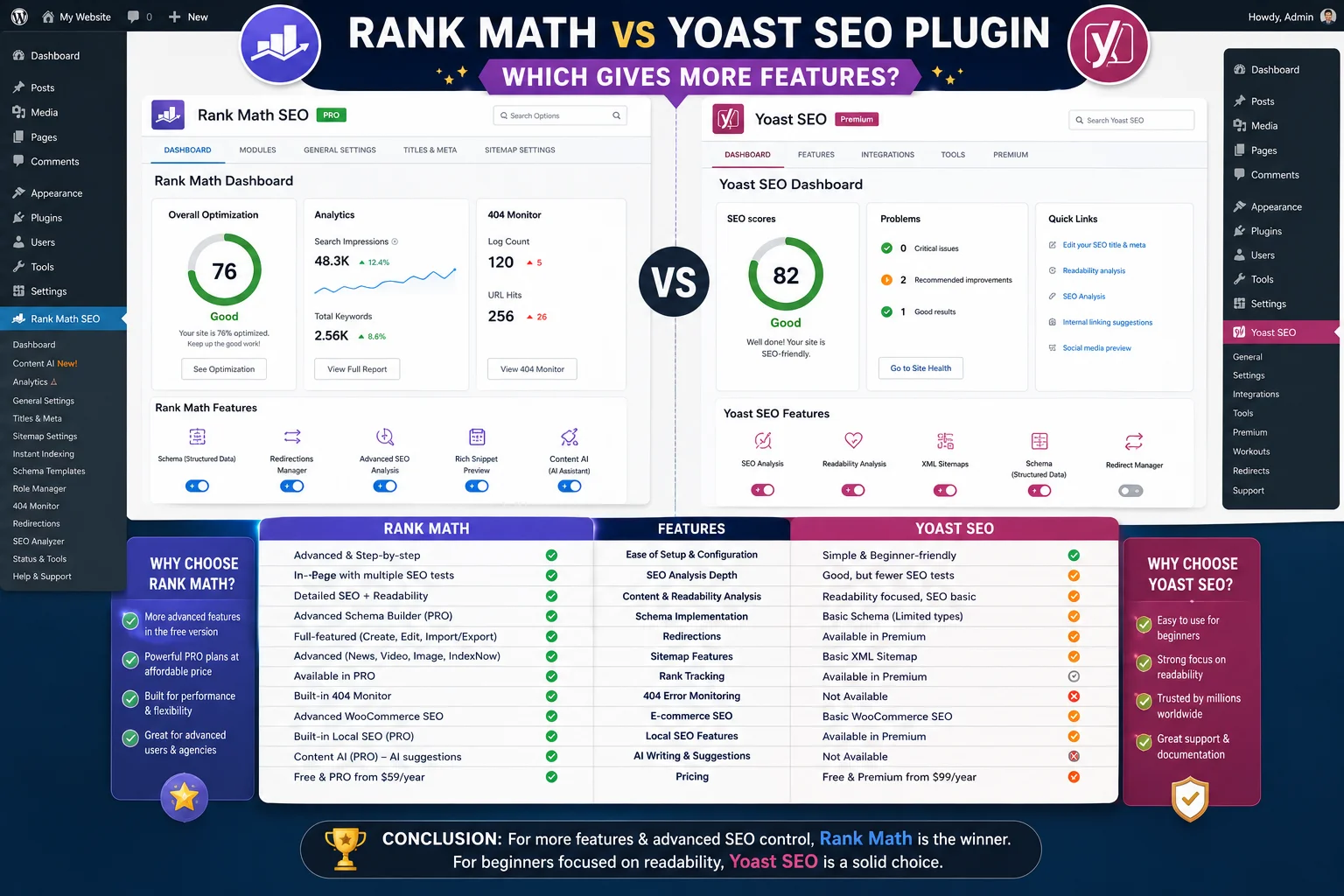
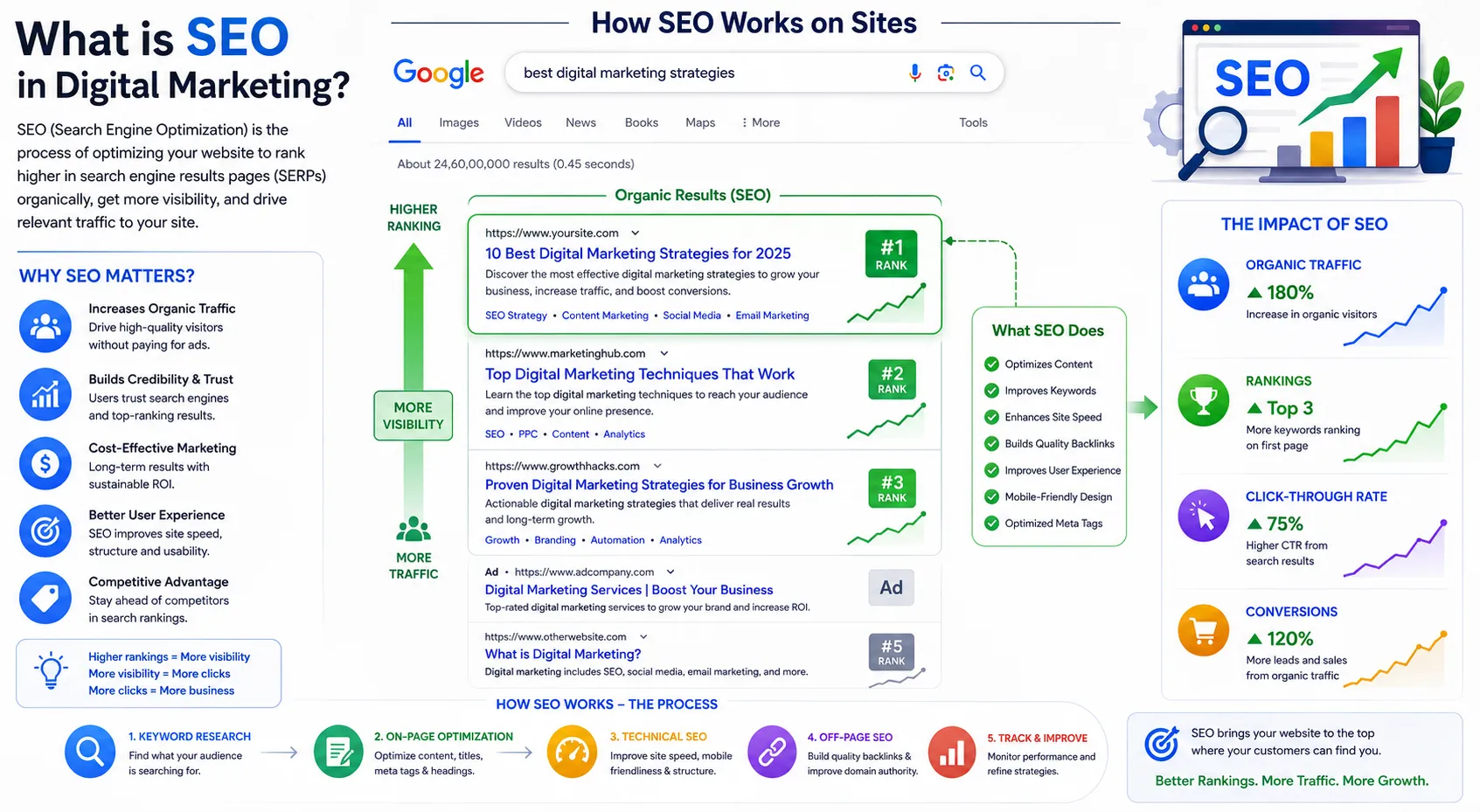
Step 6: Optimize for Search Engines
If you want your site to appear in search results, consider optimizing it for search engines. This includes:
- Adding relevant page titles and descriptions.
- Structuring content with headings (H1, H2, H3, etc.)
- Including keywords related to your business or topic.
- Naming your images clearly and using alt text.
- Creating fast-loading and mobile-friendly pages
Many platforms offer built-in tools to guide you through this step.
Step 7: Publish and Go Live
Once everything looks good and works as expected, it’s time to launch your site. Choose a domain name that’s short, memorable, and relevant to your brand. Then, connect it to your site and publish.
After your site goes live, share it on social media, update your online profiles, and start inviting people to visit. You can also track your site’s performance using built-in analytics tools.
Final Thoughts
Creating a website today is a smooth and beginner-friendly process. With the right builder, a clear plan, and a bit of creativity, you can launch a site that reflects your goals and evolves with your journey.
If you’re ready to begin, explore your options, gather your content, and start building. Your website is just a few clicks away.
At Aryu Academy, we help you confidently create a website using artificial intelligence (AI). No technical skills required.