
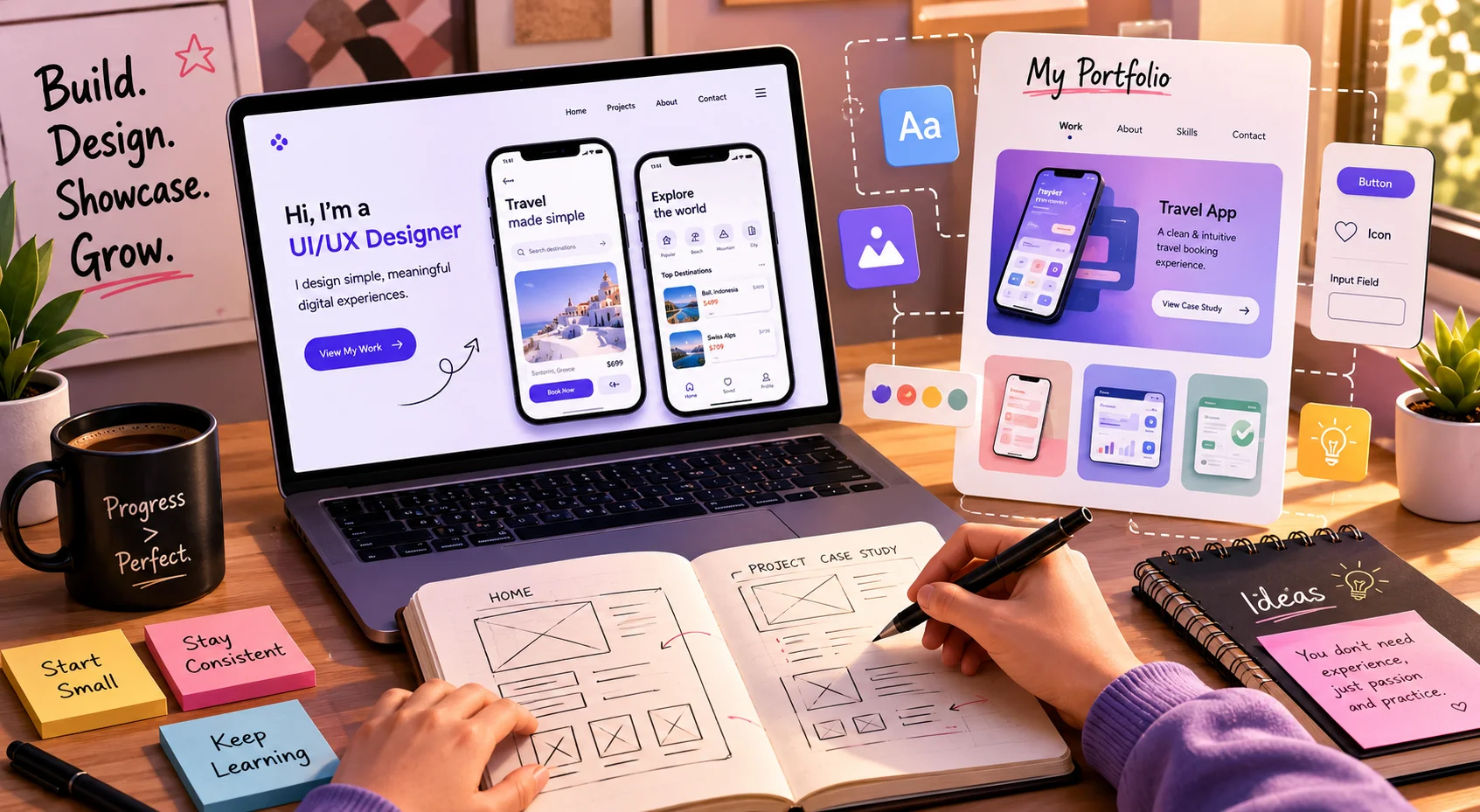
One of the most common questions we get from students who want to break into UI/UX design is this: “How do I build a portfolio when I have no work experience to show?”
It’s a fair question. And it’s also a bit of a trap — because the premise is wrong. You don’t need work experience to build a strong UI/UX portfolio. You need projects. And projects don’t require a job.
Some of the most impressive junior designer portfolios we’ve seen were built entirely from self-initiated projects, redesigns of existing apps, and coursework. Hiring managers don’t care whether your project came from a real client or a personal challenge — they care about how you think, how you solve problems, and how clearly you can communicate your design process.
Here’s exactly how to build that portfolio from scratch.
What Hiring Managers Actually Look For in a Junior UX Portfolio
Before you open Figma and start designing, it helps to understand what you’re actually building toward. Most junior designer portfolios fail not because the designs are bad — but because they skip the process and just show the final screens.
What hiring managers want to see:
- Your thinking — how you identified the problem before jumping to a solution
- Your research process — did you talk to users, look at competitors, define a persona?
- Your decision-making — why did you make specific design choices?
- Your iteration — how did the design change from first draft to final version?
- Your ability to communicate design clearly — can you present your work without being in the room?
A portfolio with three well-documented case studies will always beat a portfolio with ten beautiful mockups and no context. Quality and clarity beat quantity every single time.
Where to Get Project Ideas When You Have No Clients
This is the part that stops most beginners. But once you see the options, you’ll realise ideas are everywhere.
1. Redesign an App You Use Every Day
Pick an app with obvious UX problems — a confusing onboarding flow, a cluttered navigation, a checkout process that takes too many steps. Document the existing pain points, propose solutions, and design a better version.
The key is to frame it as a case study, not just a redesign. Start with: “Here’s what’s broken and why.” Then walk through your solution.
2. Solve a Real Problem in Your Community
Think about problems people around you face — booking autos in small towns, tracking kirana shop expenses, managing temple event registrations. Design an app or web experience that solves one of these real, relatable problems.
These projects stand out because they show original thinking. And when you can explain the real-world context behind your design decisions, it demonstrates genuine UX maturity.
3. Take on a Nonprofit or Local Business Project
Small NGOs, local restaurants, tuition centres, and community groups almost always have websites or apps that desperately need better UX. Reach out and offer to redesign their digital experience for free.
This gives you a real brief, a real stakeholder, and a real project — which makes for a much stronger case study than a hypothetical one.
4. Use Design Challenge Platforms
Platforms like Sharpen.design, Daily UI, and UX Challenge give you fresh design prompts every day. These are great for building consistency and keeping your skills sharp while you work on bigger case studies.
How to Structure Each Portfolio Case Study
Every project in your portfolio should follow a clear, readable structure. Think of it as telling a design story — with a beginning, middle, and end.
- Problem Statement — What problem were you solving and for whom?
- Research — What did you learn before designing? User interviews, competitor analysis, surveys
- Define — What was the core user need you were designing for?
- Ideate — What were your early ideas? Show rough sketches and wireframes
- Design — Walk through your key screens and explain your choices
- Test & Iterate — Did you get feedback? What changed and why?
- Final Outcome — Show the polished screens and summarise what you learned
Aim for 3 strong case studies in your portfolio before you start applying. Three well-documented projects give hiring managers enough to evaluate your thinking — and anything beyond that is a bonus.
| Tool TipUse Figma for your designs and Notion or a personal website (built on Webflow or WordPress) to present your case studies. Figma is free for students and is the industry standard tool — learning it early is a smart move. |
Common UI/UX Portfolio Mistakes to Avoid
Showing Only Final Screens
Final mockups look impressive but tell hiring managers nothing about how you think. Always show the messy middle — sketches, wireframes, user flow diagrams, and iterations.
Too Many Projects, Not Enough Depth
A portfolio with 10 shallow projects is significantly weaker than one with 3 deep ones. Each case study should tell a complete design story. If you can’t explain your design decisions, the project isn’t ready to be in your portfolio.
Ignoring Mobile Responsiveness
If your portfolio website itself doesn’t work well on mobile, that’s an immediate red flag for a UX designer. Make sure your portfolio is responsive, loads fast, and is easy to navigate on any device.
No Contact Information
Make it effortless for a hiring manager to reach you. Your email, LinkedIn, and Behance or Dribbble profile should be visible on every page of your portfolio.
Where to Host Your UI/UX Portfolio
You have several good options depending on your budget and technical comfort:
- Behance — free, widely used, great for visibility in the design community
- Dribbble — more visual, good for getting noticed by agencies and studios
- Notion — surprisingly clean for case studies, free, and easy to update
- Webflow — gives you a fully custom portfolio site with no coding needed — ideal if you want to demonstrate your skills in web design too
- WordPress — flexible and professional, especially if you’ve taken a CMS course
Whichever platform you choose, make sure the portfolio loads quickly, looks clean on mobile, and puts your case studies front and centre — not your about page.
| Want to Build a UI/UX Portfolio That Gets You Hired?Aryu Academy’s UI/UX Design course in Chennai is built around real projects, mentor feedback, and portfolio development — so you graduate with work that actually gets attention from hiring managers.Explore UI/UX Course at aryuacademy.com |
You Don’t Need Experience You Need Projects
The biggest mistake aspiring UI/UX designers make is waiting until they feel “ready” before building their portfolio. That readiness never comes on its own — it comes through doing.
Start with one project. Pick an app you use every day, identify what frustrates you about it, and design a better version. Document every step. Write up the case study. Then do it again.
Three projects done this way — with genuine thought, documented process, and clear communication — will get you further than a year of watching tutorials without producing anything.
The design industry in India is growing fast. Companies are looking for UX thinkers, not just screen makers. Build a portfolio that shows you can think — and the opportunities will follow.